Afternic is a domain marketplace owned by GoDaddy. Owners list domains for sale there, and Afternic pushes those listings out to more than 100 registrars and reseller sites, so a name shows up as for sale when someone searches for it at the registrar they already use. Listing is free, and Afternic takes a commission when a domain sells.
I list my own names on Afternic. Here’s how it works, and the settings that change how fast a name sells and how much you keep.
Who owns Afternic
GoDaddy bought Afternic from NameMedia in September 2013, and Afternic now describes itself as part of GoDaddy. That’s why selling a domain from a GoDaddy account goes through Afternic, which I covered in how to sell a domain on GoDaddy.
Afternic isn’t only for GoDaddy customers, though. Its home page shows listings appearing at registrars including GoDaddy, Namecheap, Network Solutions, Tucows, Dynadot, and IONOS, and it says listings reach 125 million search queries a month across those registrars.
How to list a domain on Afternic
You can list from a GoDaddy account with List for Sale, or directly on Afternic. GoDaddy’s own guide to listing on Afternic.com goes like this:
- Go to Afternic.com and click Sell Domains.
- Create an account.
- Enter up to 50 domains, typed in or uploaded as a spreadsheet.
- Set a price and submit.
The price is the important part. Afternic asks for a Buy Now price, a hidden floor price that a sales rep can accept without asking you, and a minimum offer. The first two are binding, so set them as if a sale could close at either number tomorrow. I explained all three in the GoDaddy post.
Standard Network and Fast Transfer
Every listing goes into Afternic’s Standard Network. Domains that qualify for Fast Transfer and are opted in go into the Premium Network as well, which Afternic says reaches more registrars and generates the highest average sale prices.
Fast Transfer means a buyer can pay and receive the domain automatically, without you unlocking it or sending a transfer code. According to Afternic, it’s available for .com, .co, .net, .org, .de, .biz, .pw, .io, .xyz, and .info names with a Buy Now price under $100,000. The domain also has to be registered for at least 60 days with a registrar that supports Fast Transfer, and it can’t be within 30 days of expiring or under a 60-day lock. Afternic says the commission is the same on both networks.
Nameservers and sales landers
When someone types your domain into a browser, a sales lander tells them it’s for sale. To use Afternic’s landers, point the domain’s nameservers to NS1.AFTERNIC.COM and NS2.AFTERNIC.COM, then pick a lander:
- Request Price: Afternic’s default lander, recommended for high-value names. The buyer asks for a price, and Afternic’s brokers follow up and negotiate.
- Buy It Now: shows your price and sends the buyer to GoDaddy’s checkout. Afternic suggests it for lower-value names.
- Lease to Own: shows a monthly payment instead of the full price.
- CashParking: shows ads with a “Domain For Sale” link. Afternic suggests it for names with a lot of traffic.
The nameservers matter for more than the page. They also decide your commission.
What Afternic charges
Listing costs nothing. When a domain sells, GoDaddy’s help page sets the commission by where the nameservers point at the time of sale:
- 15% on GoDaddy’s aftermarket nameservers, which include Afternic’s, Dan’s, and CashParking’s.
- 25% on any other nameservers.
- Plus 5% if your account has Afternic Boost active when the domain sells.
The minimum commission is US$15. Afternic Boost needs a note of its own. Afternic launched it on September 4, 2024, and turned it on for every account at launch. Afternic says it adds visibility at GoDaddy, such as “Premium” and “Verified” badges in search results. Because Afternic Boost works at the account level, the extra 5% applies to every sale, not just the ones Boost helped with. You can opt out at any time in your Afternic account, which can take up to 48 hours to take effect. With Afternic Boost on, the two rates become 20% and 30%.
Lease to Own
Lease to Own lets a buyer pay for a domain monthly instead of all at once. On Afternic, it’s available for domains with a Buy It Now price between $495 and $5,000,000, and the seller is paid on a monthly schedule.
On GoDaddy’s side, after the first payment the domain is moved to the buyer’s GoDaddy account, but the buyer only gets access to its DNS settings until it’s paid off. A buyer can cancel at any time, and payments already made aren’t refunded. A seller can’t cancel while the buyer keeps paying.
I’ve had a lessee stop paying, and I leased the same name to someone else within hours. The part to watch is what happens when a domain comes back. It can still be pointed at the old lessee’s nameservers, so repoint it to Afternic’s right away, or your next sale is charged at the higher rate. I wrote that story up in domain leasing and lease-to-own.
Getting paid
Afternic pays the sale price minus commission once the domain has been delivered, and payment fees can apply. Depending on where you live, that can be by ACH, check, eCheck, PayPal, or wire, and there’s also GoDaddy Cash (formerly Good as Gold), a wallet in your GoDaddy account. I take my payouts through PayPal, and a Fast Transfer sale usually pays out within a week for me. The GoDaddy post covers payout timing in more detail.
Is Afternic worth using?
For most sellers, I think it’s a sensible first place to list, mainly because of how many registrar searches its network reaches. Just check three things before a sale happens: your nameservers, your floor price, and whether you want Boost on.
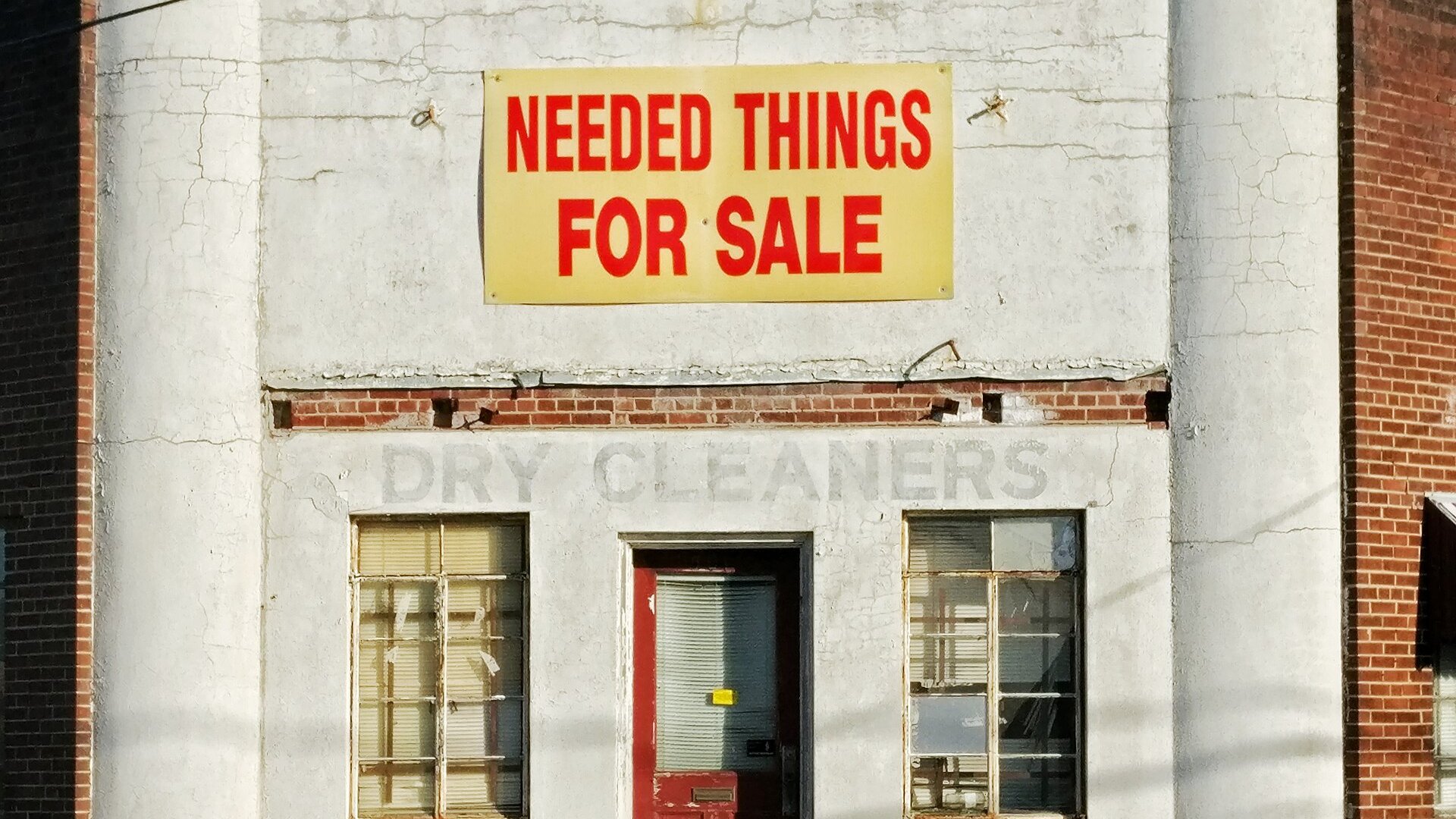
Top photo: Michael Prewett / Wikimedia Commons (CC0).
Sources
- Afternic: Home page, Fast Transfer, Sales landers, Lease to Own, Inside Afternic Boost, Good as Gold payouts, Earn 5% in GoDaddy Cash
- GoDaddy: What is List for Sale?, Tips for how to sell your domain name on Afternic, What is a Lease to Own domain?
- Afternic Boost coverage: OnlineDomain, DomainInvesting.com
- TechCrunch: GoDaddy buys Afternic (2013)