
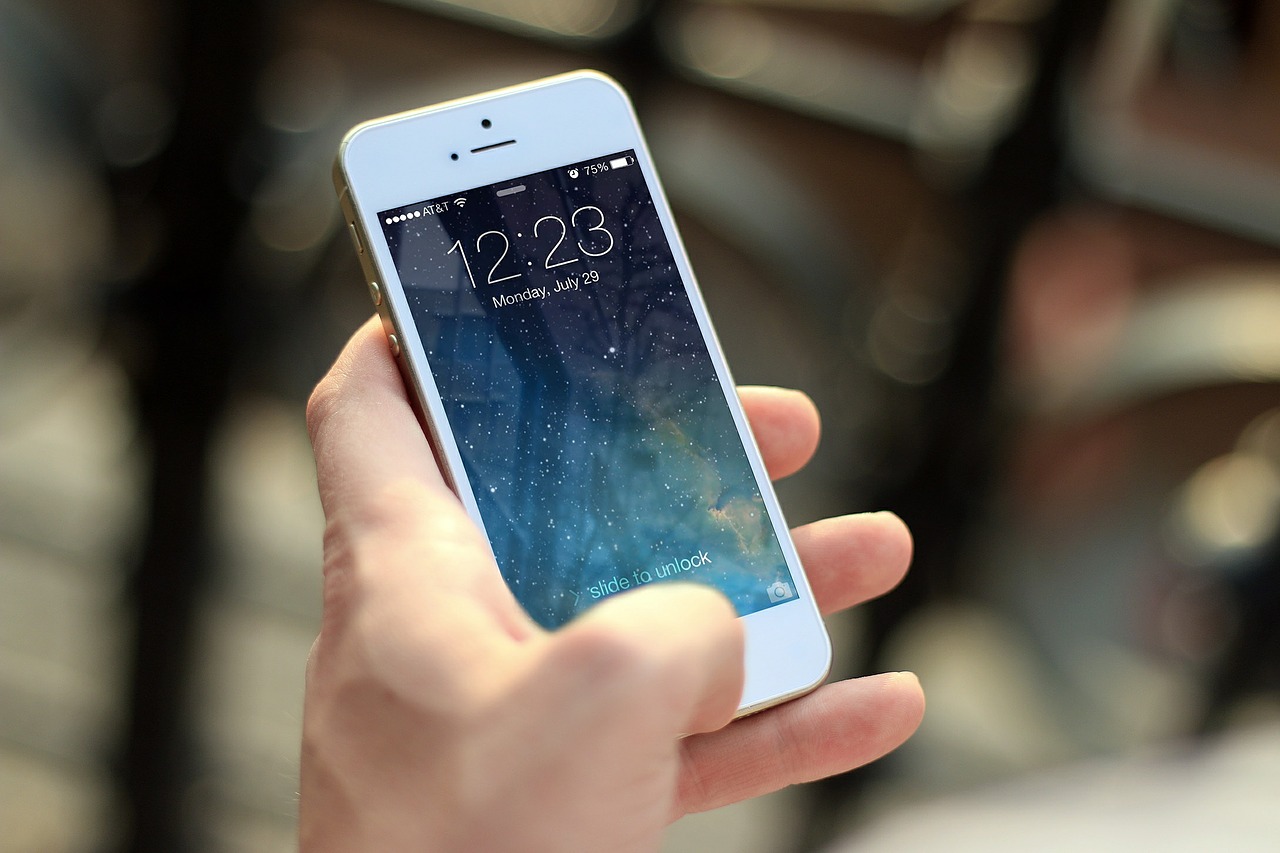
For weeks, I had been unable to upload photos from my iPhone 4 to Facebook. The error message that kept appearing was:
ALERT: Your photo could not be uploaded at this time.
I thought it was my local network or 3G network that was preventing me from completing the upload. So I did some digging around and found what’s causing the issue — the Location Services setting for Facebook on your iPhone.
To resolve this photo upload error, do the following:
- On your iPhone, go to Settings > General > Location Services.
- Verify that Location Services is set to ON.
- In the list apps that uses Location Services, look for Facebook.
- Verify that Facebook is set to ON.

That’s it. The error should no longer occur and you should now be able to upload photos to Facebook from your iPhone.
If it didn’t work or you have questions, leave a comment below.
[alert color=”yellow”]07 February 2013 update: Apple has changed the location of Location Services in iOS 6 (and later). For updated instructions on how to check if Location Services is enabled on your iPhone, please see How to Enable Location Services on iPhone iOS 6.x.[/alert]


It worked but I’m irritated that they need to know my location in order to upload a photo.
I can access my camera tool but no longer access my albums on iPhone 7 from Facebook as of last FBI update. Is there a workaround of way to rectify this?
I have just tried EVERY suggestion on here and NOTHING works. I can not share pictures from my iphone to Facebook 🙁
no luck for me either, I don’t even have the option for Location Services
My Facebook app doesn’t even shows up. What do I do now.
I figured out that you can’t upload from the ‘camera’ you have to upload from ‘photos’
Thanks that worked for me!!
Try going to camera roll choose photo then forward to FB worked for me and I am a technical retard
No “location services” under general settings:(
It’s because Apple changed the location in iOS 6, I think. Please check here for updated instructions.
Please see http://www.metahead.com/enable-location-services-iphone-ios-6x.
I just try this. Like just now. 🙁 and it won’t let me upload one of my videos on Facebook. Why is it doing this?
I’m trying to upload pictures off my phone but its sayin that ain’t got facebook configure so I clicked onto settings and following what they are saying but it ain’t working can someone please help me! :).
No luck for me. I used to be able to upload photos. Now when I try to upload from my library on my phone it comes up with the message..”This app does not have access to your photos or videos” It says you can enable in Privacy settings, but bugger me if I know where 🙁
Oh, I know this one! If you recently updateed to iOS 6, you need to go to Settings, Photos, and choose On. That should give FB access to your Camera Roll
That didn’t work because there were already on but what I had to do was go to Settings, Privacy, Facebook then choose on and it worked
Thank you. This is what worked for me.
I tried all the above and did not work then went to settings, privacy, photos and selected “on” for the Facebook app…
After months of being frustrated this finally worked, but a little differently… Settings-General – Location Settings… Facebook was turned on, but CAMERA was not. When I turned “camera” to on, and restarted my iphone…. voila! Finally working!! Thanks!
Didn’t work for me at all- cant even change my cover photo- says page not available or I have been blocked- I am about done with wasting my time with FB
I still can’t upload pics to fb..
This isn’t working for me! I did this for both the Facebook app and safari and I still can’t upload from either. Safari says my browser doesn’t support uploading pictures and my app will try to upload and then fail. I’ve been uploading to Facebook just fine since I’ve got my phone and today is the first time I’ve encountered this problem. Please help!
Hello.
I just recently got my iphone not even a week ago. I cannot get photos to upload to FB. I keep getting the error message ‘Error sharing photos’. I tried the fix here, but it did not work. My location is turned on, so I did turn it off and turn it back on again… unsuccessful. I have also uninstalled and reinstalled the app 3 times, nadda… please help, this is very frustrating.
ive tried turning the location services on and off many times and still no luck, i have also unstalled and reinstalled the app without any luck. HELP!
Didn’t work for me. Posted a pic a few hours ago then deleted post to change the caption. Unable to post pics ever since. The pic goes to my ‘mobile uploads’ but post doesn’t go to wall or news feed. Another weird thing is screen goes to black the second the upload shows as being done.
My settngs are different. Facebook is in “Settings” and I don’t have the option to turn on location services. Locations services is “on” in Settings, but Facebook is not one of the apps requesting to use it. Also, my iPhone doesn’t show up under my hard drive, even when it shoes up in iTunes. Suggestions
I have the same problem…..
kames1, what iOS version are you using?
@IrisCruz Did you install the Facebook app on your iPhone? Or you’re using Facebook via your iPhone’s Safari browser?
hi, I followed the instructions above but i do not see the facebook app under location services…can you help.
Thank you so much for sharing the solution!
Thank you SO MUCH for posting – this was driving me crazy – the fix worked!!
FFS! Thank you! This has been bugging me for AGES!
My iPhone 3GS isn’t uploading pictures to Facebook.. The loading bar will fully load but then it goes back to where it gives you the option to upload or cancel. I’ve tried everything, including what apple support told me to do and checking my location services, restrictions, restarting my phone, reinstalling the app. And I don’t know what else to do. HELPP
Great Suggestion. Works fine now!!!
Thanks!!
WOOOOHOOOO It worked..!!! Your The Man..!!!
Thank you
Thank you!
Thanks 🙂 It seems to me very strange, but it works.
thanks 🙂 your tip is super helpful
I tried updating the app, and i got one photo to load w/o a caption but then when i tried again with a caption it didnt work. then i turned on location services, still nothing, completely turned off location services, still nothing again. they keep popping up in my mobile uploads album but not the wall. ive had this problem before and un-installed the app, but thats a headache. i just restarted my phone as well and it still doesnt work! help! i have a 3GS running the latest iOS update and latest facebook app
Thank you! We've been struggling with this for months!
you are the sh!t!!!! 🙂
Thanks!!! I haven’t been able to download photos for MONTHS!! I really appreciate you sharing!! Gotta go… Got alot of photos to download. 🙂
So easy when you know how! Thanks, it worked for me and stopped me pulling my hair out!
You the man !!! Thanks bro !!!!!
Jay, you are amazing!
@Jenny: You're the second person to tell me this (first was my mother). Thank you. I'm glad to be of help. 🙂
pls help it did work for me and when i tried to uploud any photo all my app freez what should i do
OMG ALL THIS TIIIIIME I DIDNT KNOW WHAT WAS WRONG NOW IT WORKS!!!!
Thank you very very much!!!!!! ;-D
I wish Verizon's tech could have suggested this weeks ago! Thanks so much!
Thanks a million 😀
This totally works! Thanks so much for the tips!! ^__^
Thanks a million
Awesome, thanks! This has been driving me crazy!!!
THANK YOU THANK YOU THANK YOU!!!!!!!!! it now works 🙂
Easiest fix ever! Thanks so much.
wow it does work
Thank you very much!
fuuuuuuc!!!! i almost kill my selft! thanks! it works! hahaha
thanks for the info i still can't upload my pictures to my iphone? starts to upload and it freezes and stays there i end up cancelind the upload please help. thanks Jackie
Have you tried restarting your iPhone?
awsome you just made me look like a hero with my wife lol THANKS
You rock. This totally worked …. ! Thanks!!
Thank-you so much
I just found that if you turn location services completely off for the whole phone, that also seems to allow the photo to be uploaded. Interesting….
Thank you! I made sure Facebook was turned on but it still didn't work. Then I saw your post and turned off location services completely and now it's working just fine.
@Doug: That is interesting. I guess that confirms that this is an "undocumented feature" (AKA bug).
Yep, 2012 and the fb app is still buggy. I couldn’t upload photos or video via 3G or wireless…but I turned OFF location services and it worked first go. Insane.
I can't believe this is being touted as a "fix". This is another attempt by Facebook to erode user security.
@Steve: I know a lot of people have issues with Facebook's privacy measures. I don't totally agree with some of their policies, but I am able to tolerate them for now. If I were one of those people who hate Facebook for their privacy policies, I'd stop using Facebook. They say if you can't stand the heat, get out of the kitchen.
Zuck it up or take it up with Zuckerberg. Excuse the pun.
This works, but I don't know if I WANT the Location Services for Facebook turned on. What exactly does this do? Does it mean that the photos posted will now have GPS data embedded in the code? I don't want that. Anyone with info on this??
@Melanie: I think Facebook requires Location Services for Places (check-ins). You can just disable it again after you upload your photos. Your photos are geo-tagged by your iPhone, not by the Facebook app.
Thank you! Will keeping it on run down the battery faster?
@Elissa: I don't think so. Facebook doesn't really use Location Services unless you check into places or take photos.
cheers mate i was baffled!!!
Thank you so much, I was getting really frustrated…you solved my problem! Appreciate it. 🙂
Fabulous! I'm happily uploading from my iPhone now. THANKS SO MUCH FOR POSTING THE SOLUTION. :o)
@Jay — I googled this and found your solution on page 2. Thank you so much; this was the problem! A lot of the time I turn off location on my iPhone 4 to save battery. Thanks again!
@Mike and all: I'm glad to be of help. Thank you, too, for letting me know that you find this post useful.
OMG !!!! Thanks you so much!!!!!
thx
OMG, U JUST SAVED MY LIFE, ANYONE READING THIS, IT ACTUALLY WORKS, NO FRICKEN JOKE, THANK GOD!!!!!!!!
great post thanks
Quick and easy… Also forever grateful – eres el puto amo!
OMG, It worked! Thank you so much.
Thanks for the tip. It works.
Thank you! This helped!
THANK YOU THANK YOU THANK YOU. It worked.
Thanks. It worked!